Use cases
Find ideas for using Smartsign at reception, in workplaces, across stores, and in other shared spaces. Explore how to keep information current, give local teams a way to publish, and show data already maintained in another system.
Each article explains a practical use, how the features work together, and what to check before using them. Follow the documentation links for setup instructions and requirements for access, data sources, and players.
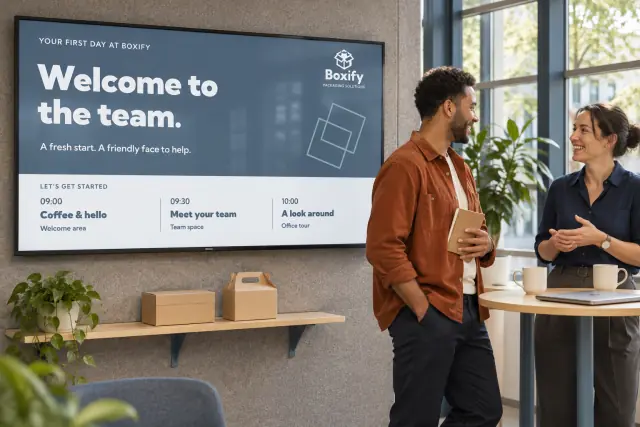
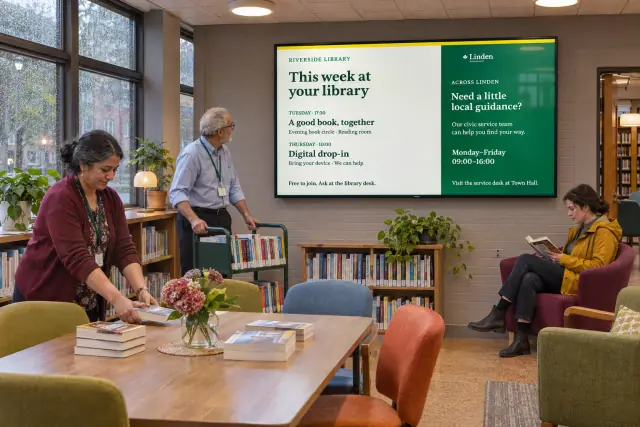
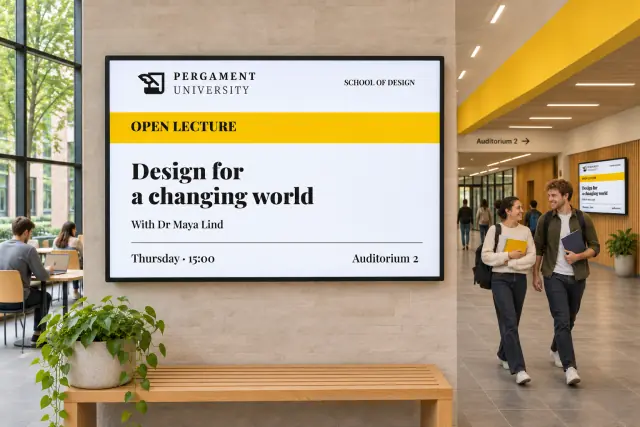
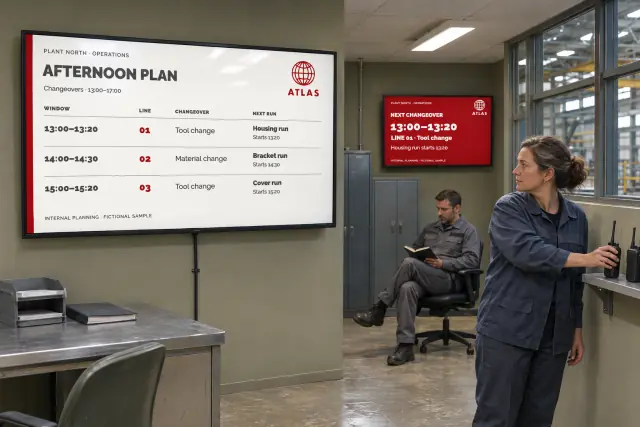
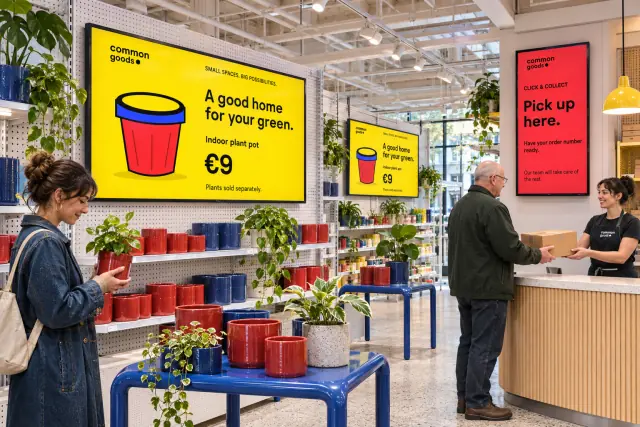
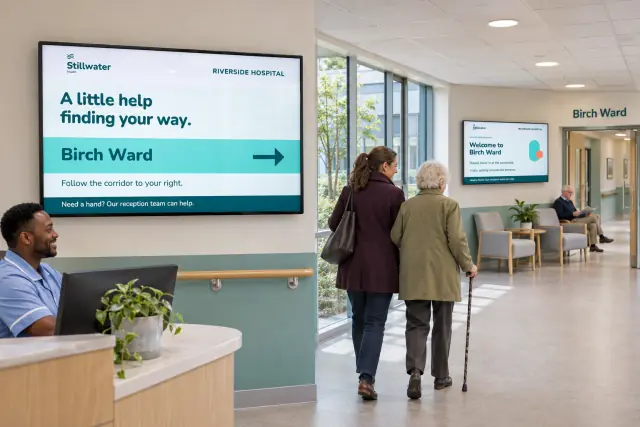
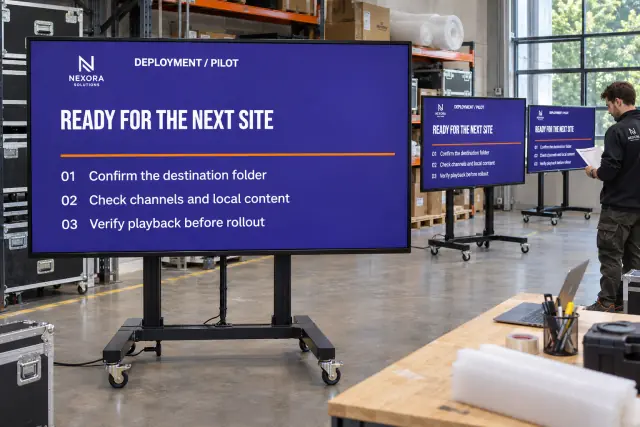
The photos in these articles are illustrations. The organizations shown are fictional, and the screen content is an example.
Communication impact
Help staff find workplace updates, visitors find their way, and people see notices that matter to their location. Plan shared messages, local updates, campaigns, and urgent information.
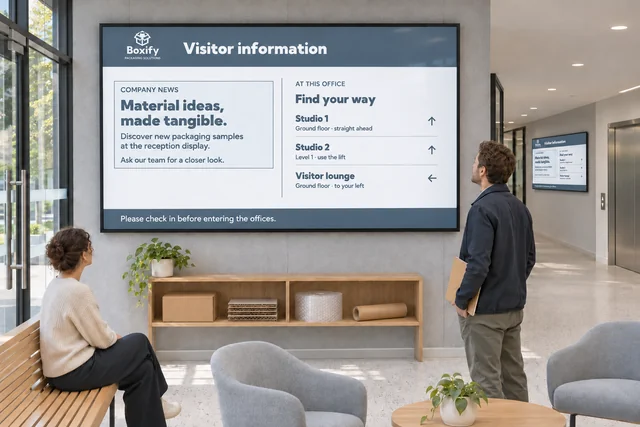 Help visitors find the information they need at reception
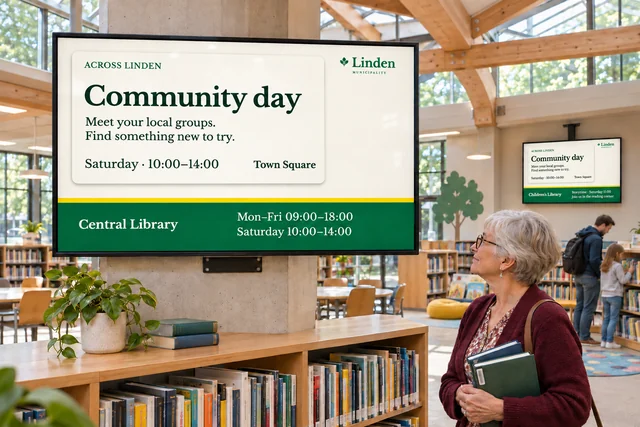 Keep public information consistent across municipal services
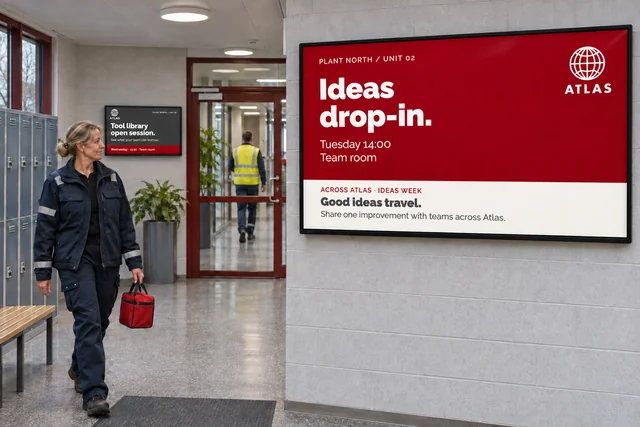 Coordinate shared and local messages across locations
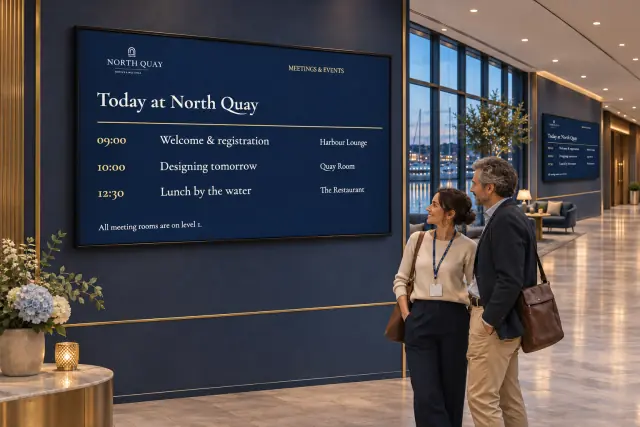 Show room availability and event schedules
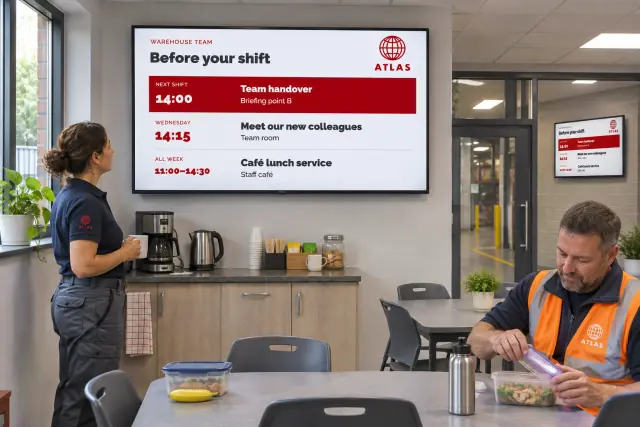 Reach employees who don't work at a desk
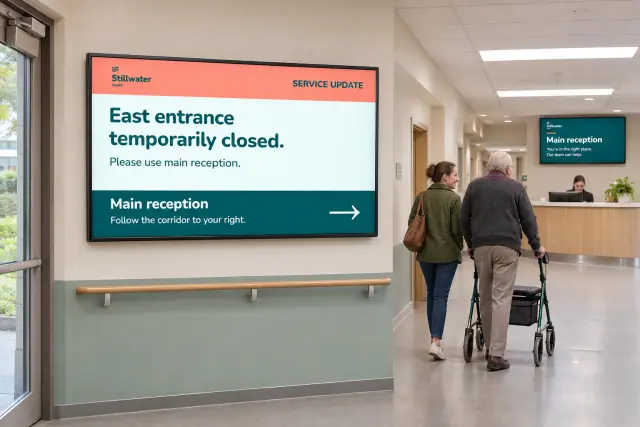 Prepare screens for urgent messages
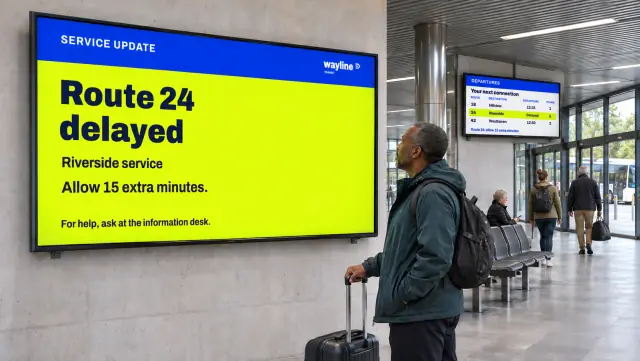 Show a notice when another system reports an event
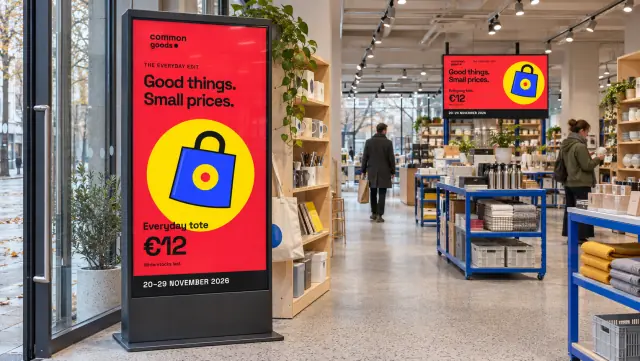 Schedule campaigns across multiple locations
Brand and experience
Adapt the design to the display and the people using it. Keep branding consistent, combine information on one screen, add interaction or live streams, and plan content for healthcare and retail settings.
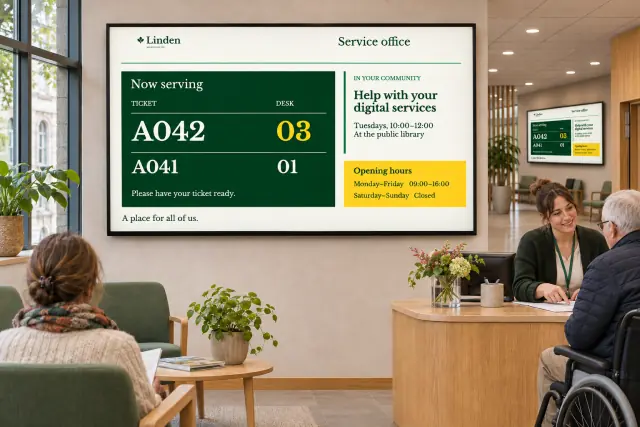 Show several types of information on one screen
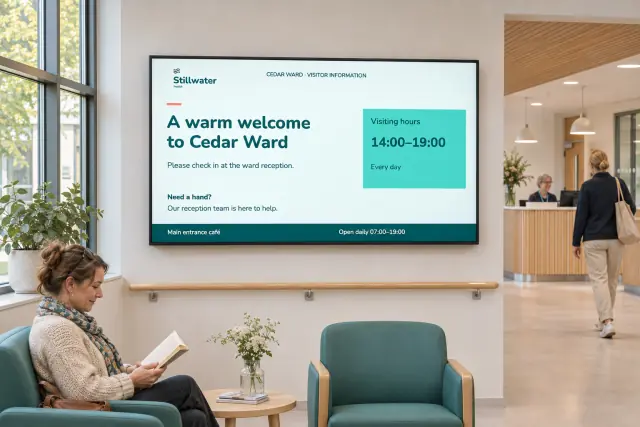 Keep patients, visitors, and healthcare staff informed
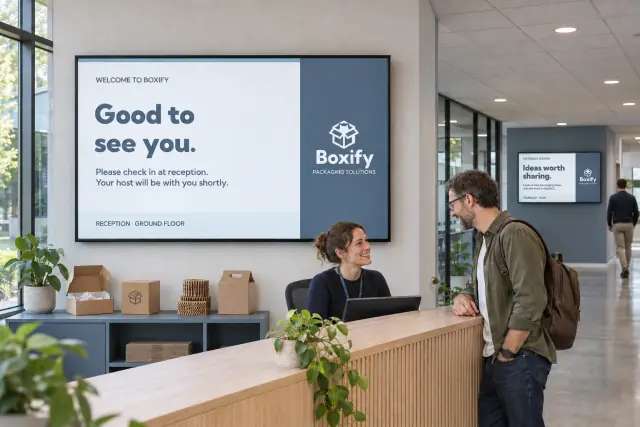 Keep screen content consistent with your brand
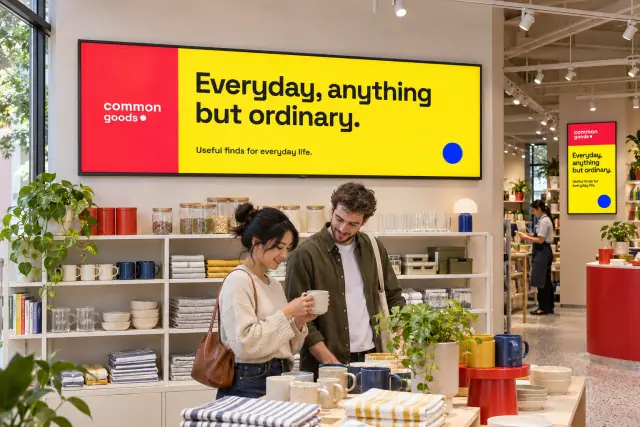 Design content for large and unusual screen formats
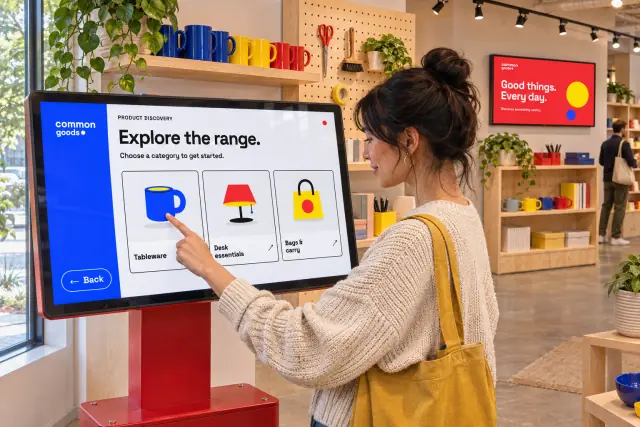 Let visitors explore information on interactive screens
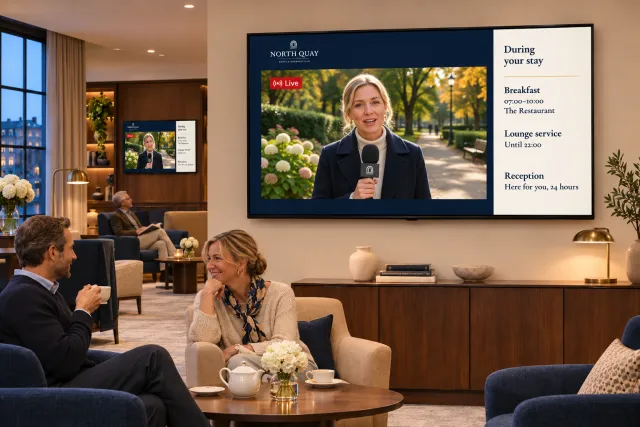 Show live TV and streams alongside screen messages
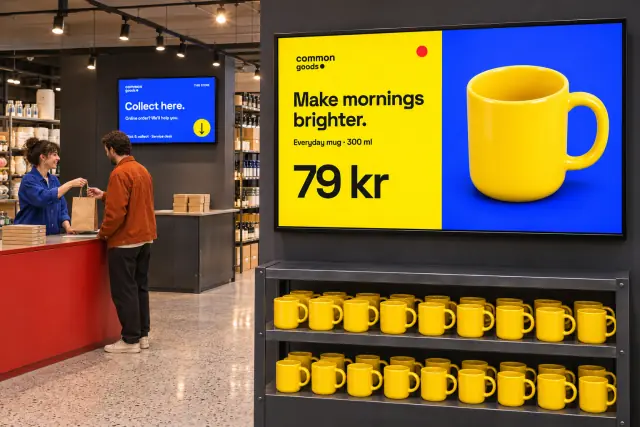 Coordinate promotions and advertising across stores
Data-driven signage
Show dashboards, menus, and operational information from existing systems. Choose between bringing values into a template, showing a web page, and using a partner or custom integration.
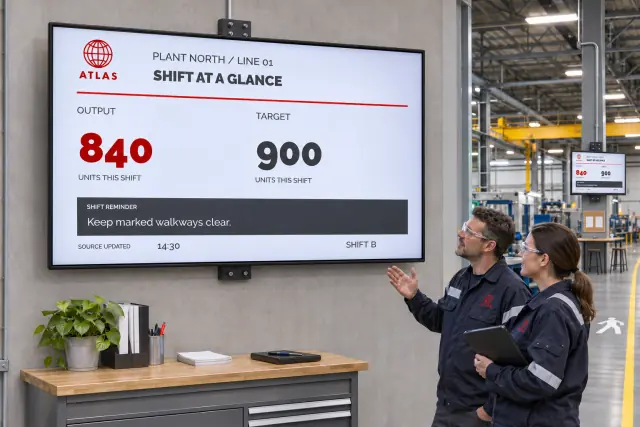 Share production updates and safety information on the factory floor
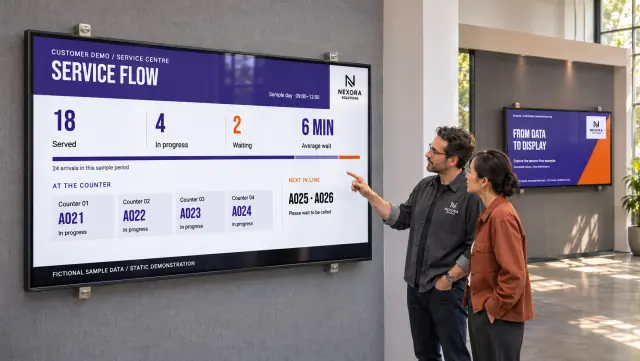 Use partner and custom integrations for screen content
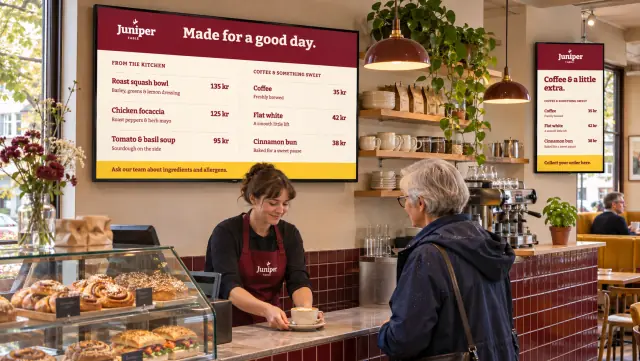 Keep menus, prices, and offers up to date
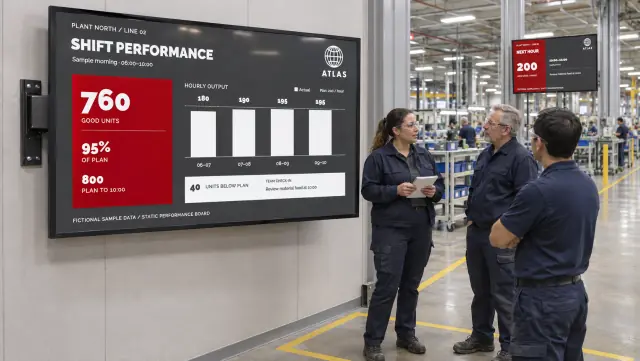 Make performance dashboards visible to the team
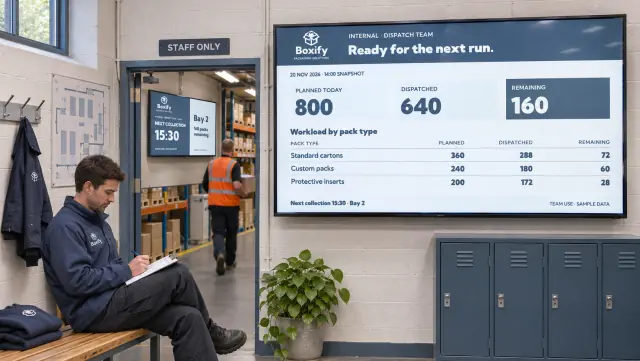 Show dashboards and web pages with restricted access
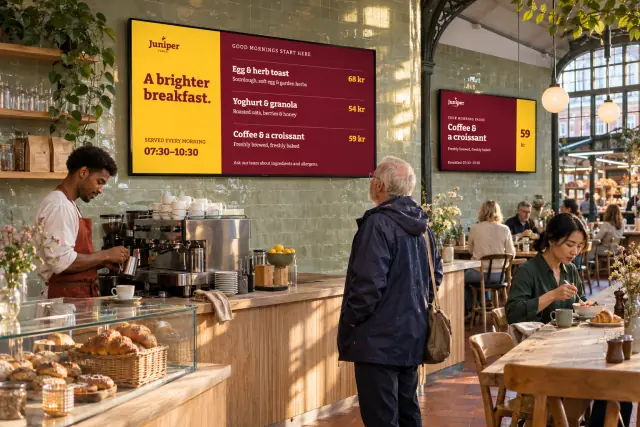 Turn business data into screen content
Operational efficiency
Make everyday updates easier. Let staff edit messages, maintain lists of news and activities, reuse existing documents, and create a one-off design when it is needed.
 Create a one-off message or design
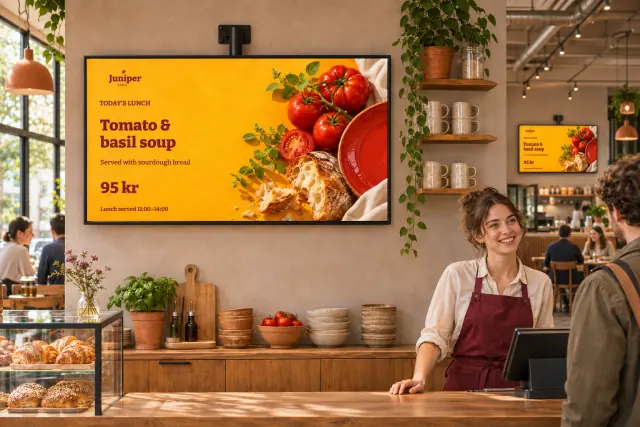 Let staff update messages without editing the design
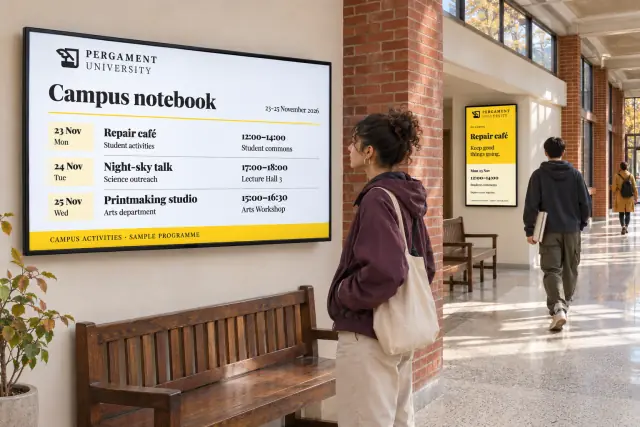 Update news and activity lists without rebuilding playlists
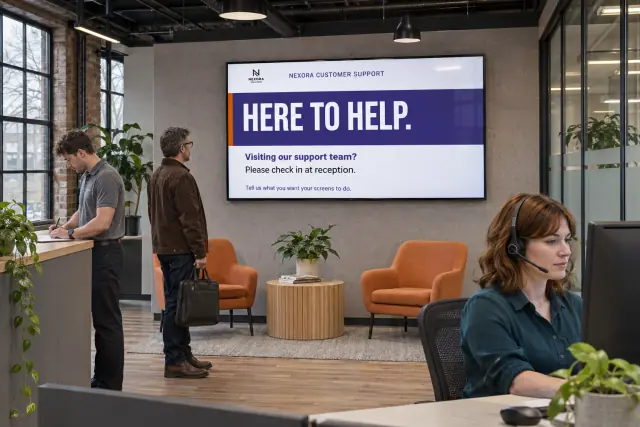 Manage and support your signage site
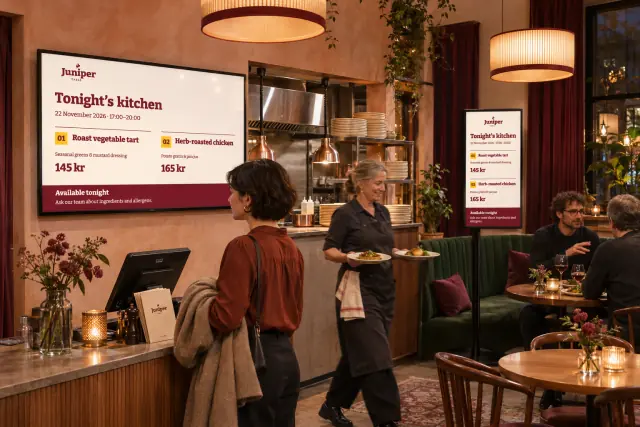 Reduce manual content updates
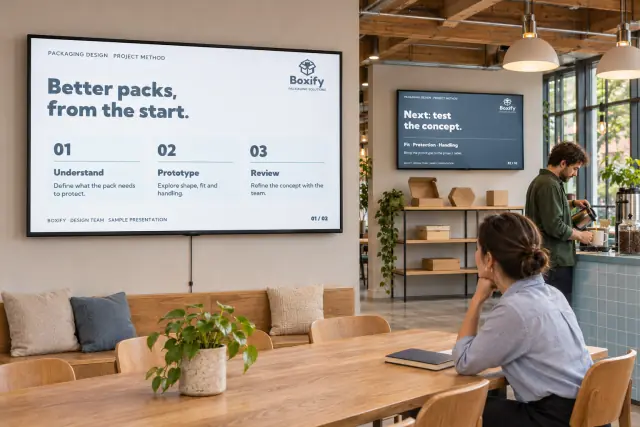 Reuse presentations, documents, and media on screens
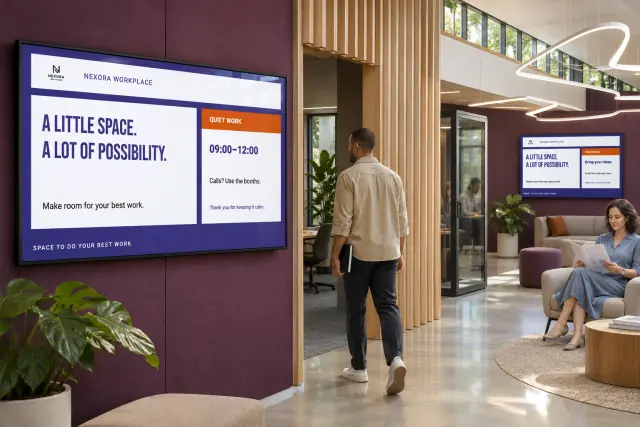 Start with reusable templates and screen layouts
Scale and deployment
Organize screens so people can find and maintain them as the network grows. Prepare new locations, select campaign audiences, and monitor playback.
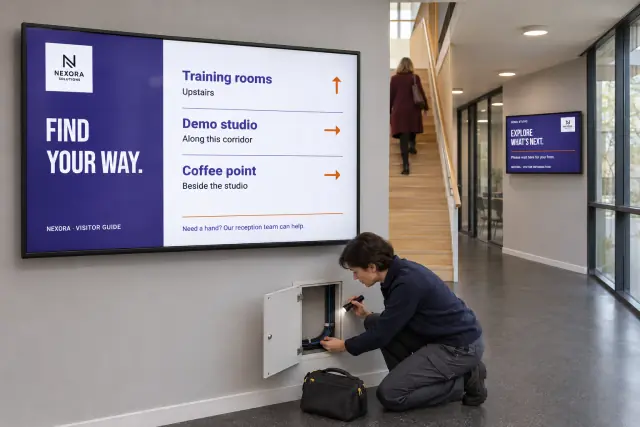
Governance and control
Decide who can edit, publish, approve, and administer content. Give local teams the access they need and keep shared content and settings under clear ownership.